 TecnoOrange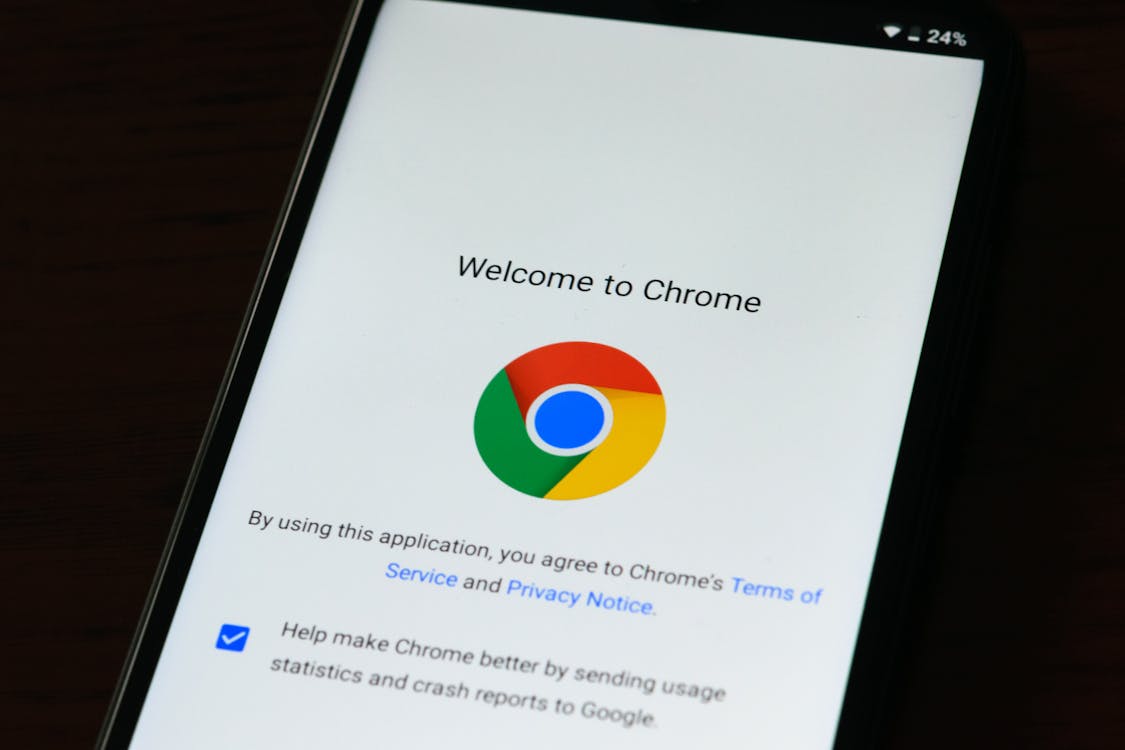
I’ve been rotating between browsers for years and honestly, your browser choice matters more than you think. It’s not just about “opening web pages” — your privacy, device performance, and daily experience depend on it. Chrome, Firefox, and Brave are the big three right now and each has a very different approach. I’ll tell you which one I chose and why, based on months of real use with each.
Table of contents
Table of contents
Chrome: The default standard
Chrome comes preinstalled on most Android devices and dominates the market. But is it really the best?
Speed and performance
Chrome is fast. No argument. Pages load quickly and performance is consistent. However, it’s a true RAM devourer. On my laptop with 8GB of RAM, Chrome can easily consume 3-4GB with 15 tabs open. On mobile, the impact is smaller but still noticeable.
Privacy
This is where Chrome loses points. Google is an advertising company, and Chrome is part of that ecosystem. It collects browsing data, history, and habits to personalize ads. If privacy matters to you, Chrome isn’t your best option.
Extensions
The Chrome Web Store is massive. You have extensions for absolutely everything. This is probably its biggest competitive advantage.
Google integration
If you use Gmail, Google Drive, Google Calendar, and other Google services, Chrome is unbeatable for integration. Everything works perfectly synced.
My opinion
Chrome is like a reliable car: it gets you from A to B without problems, but don’t expect thrills or privacy. It’s my browser for tasks where I need full Google integration.
Firefox: The privacy defender
Firefox has been fighting for an open and private web for decades. Mozilla, the organization behind Firefox, isn’t an advertising company, which makes a fundamental difference.
Speed and performance
Firefox has improved tremendously in recent years. The Quantum engine made it competitive with Chrome in speed. On mobile, Firefox is noticeably lighter than Chrome and uses less RAM. In my daily use, the difference is perceptible especially with many tabs open.
Privacy
This is Firefox’s strength. Enhanced Tracking Protection blocks trackers by default, it doesn’t collect browsing data for advertising, and Mozilla has a real commitment to user privacy. Firefox also supports containers, which isolate your sessions for different accounts.
Extensions
Firefox supports extensions even on mobile, something Chrome doesn’t do. Although the collection is smaller than Chrome’s, all essential extensions are there.
Containers
My favorite feature. You can have Gmail in one container, social media in another, and banking in a third. Each container is an isolated environment without shared cookies. It’s great for separating work and personal life.
My opinion
Firefox is for those who value privacy and want a browser that doesn’t spy on you. The container feature is addictive once you try it.
Brave: The integrated ad blocker
Brave is the newcomer but has quickly gained popularity. Its proposition: extreme speed through built-in ad and tracker blocking.
Speed and performance
Brave IS the fastest of the three. By blocking ads and trackers before loading the page, websites load significantly faster. In my tests, Brave loads pages 30-40% faster than Chrome. On mobile, this difference is even more noticeable.
Privacy
Brave blocks ads, trackers, and fingerprinting by default. It doesn’t collect browsing data and has a business model based on private ads (BAT tokens) instead of tracking. It’s private by default, without needing to configure anything.
Extensions
Brave is based on Chromium, so it supports all Chrome extensions. This is a huge advantage: you get Brave’s speed with Chrome’s extension ecosystem.
BAT and rewards
Brave has a system where you can earn BAT tokens by viewing private ads. You can then use those tokens to support content creators. It’s interesting but not the main reason you’d use Brave.
My opinion
Brave is my current main browser. The speed, default privacy, and Chrome extension compatibility make it the best option for me.
Complete comparison table
| Feature | Chrome | Firefox | Brave |
|---|---|---|---|
| Loading speed | High | High | Very high |
| RAM usage (PC) | High | Medium | Medium |
| Mobile usage | High | Low | Low |
| Default privacy | Low | High | Very high |
| Ad blocker | No (needs extension) | No (needs extension) | Yes (built-in) |
| Extensions on mobile | No | Yes | Yes (Chrome) |
| Sync | Excellent | Good | Good |
| Containers/profiles | Basic profiles | Containers | Profiles |
| Reader mode | Yes | Yes | Yes |
| Battery drain (mobile) | High | Medium | Low |
Which one should you use?
For casual users
Chrome. If you don’t overcomplicate things and use Google services, Chrome is the easiest option. Everything works and sync is perfect.
For privacy-focused users
Firefox. If tracking concerns you and you want a browser that respects your privacy without sacrificing functionality, Firefox is your browser. Containers are a huge plus.
For maximum speed
Brave. If you want the fastest browser possible with included privacy without configuring anything, Brave is unbeatable. The built-in ad blocker transforms the browsing experience.
For mixed use
Use several. I use Brave as main, Firefox for sensitive accounts (banking, important email), and Chrome only when I need full Google integration.
Developer tools: which browser is best for programmers
If you’re a web developer, the browser’s developer tools (DevTools) are as important as the browser itself.
Chrome DevTools are the most comprehensive and best documented on the market. The vast majority of tutorials and guides use Chrome DevTools as reference. If you’re learning web development, Chrome is the natural starting point.
Firefox DevTools have some unique features Chrome doesn’t offer, like the best CSS Grid inspector that exists. Firefox also has powerful built-in accessibility tools and an excellent font inspector.
Brave DevTools are identical to Chrome’s since it’s Chromium-based. If you already know Chrome DevTools, you don’t need to learn anything new when using Brave.
For developers, my advice is to have all three installed and use each one depending on the task. Firefox for CSS design, Chrome for JavaScript debugging, and Brave for performance testing.
Cross-device syncing: how each browser works
One of the most important features of a modern browser is cross-device syncing. Here are the differences:
| Feature | Chrome | Firefox | Brave |
|---|---|---|---|
| Sync bookmarks | Yes | Yes | Yes |
| Sync passwords | Yes | Yes | Yes |
| Sync history | Yes | Yes | Yes |
| Sync open tabs | Yes | Yes | Yes |
| Sync extensions | No | No | No |
| Sync encryption | Yes (with password) | Yes (with password) | Yes (with sync phrase) |
Chrome has the smoothest syncing thanks to Google account integration. Firefox requires a Mozilla account, but syncing is equally reliable. Brave uses a sync phrase that’s more private because data doesn’t go through Brave’s servers — it syncs directly between devices.
FAQ
Is Brave safe to use?
Yes, Brave is safe and open source. It’s based on Chromium (the same engine as Chrome), so it receives the same security updates.
Is Firefox slower than Chrome?
Not significantly. Since the Quantum update, Firefox is comparable to Chrome in speed. The difference is marginal in real use.
Can I import my data from Chrome to Brave or Firefox?
Yes, both browsers have import assistants that bring bookmarks, passwords, and history from Chrome in a couple of clicks.
Which consumes less battery on mobile?
Brave is the most efficient for battery thanks to built-in ad blocking. Firefox is second. Chrome consumes the most.
Conclusion
Your browser choice isn’t trivial. Chrome is the safe standard, Firefox is the privacy defender, and Brave is speed with privacy included. My personal recommendation is Brave for daily use and Firefox for sensitive accounts. The important thing is that you try and choose the one that best fits your needs. Switching browsers takes 5 minutes and can significantly improve your daily experience.